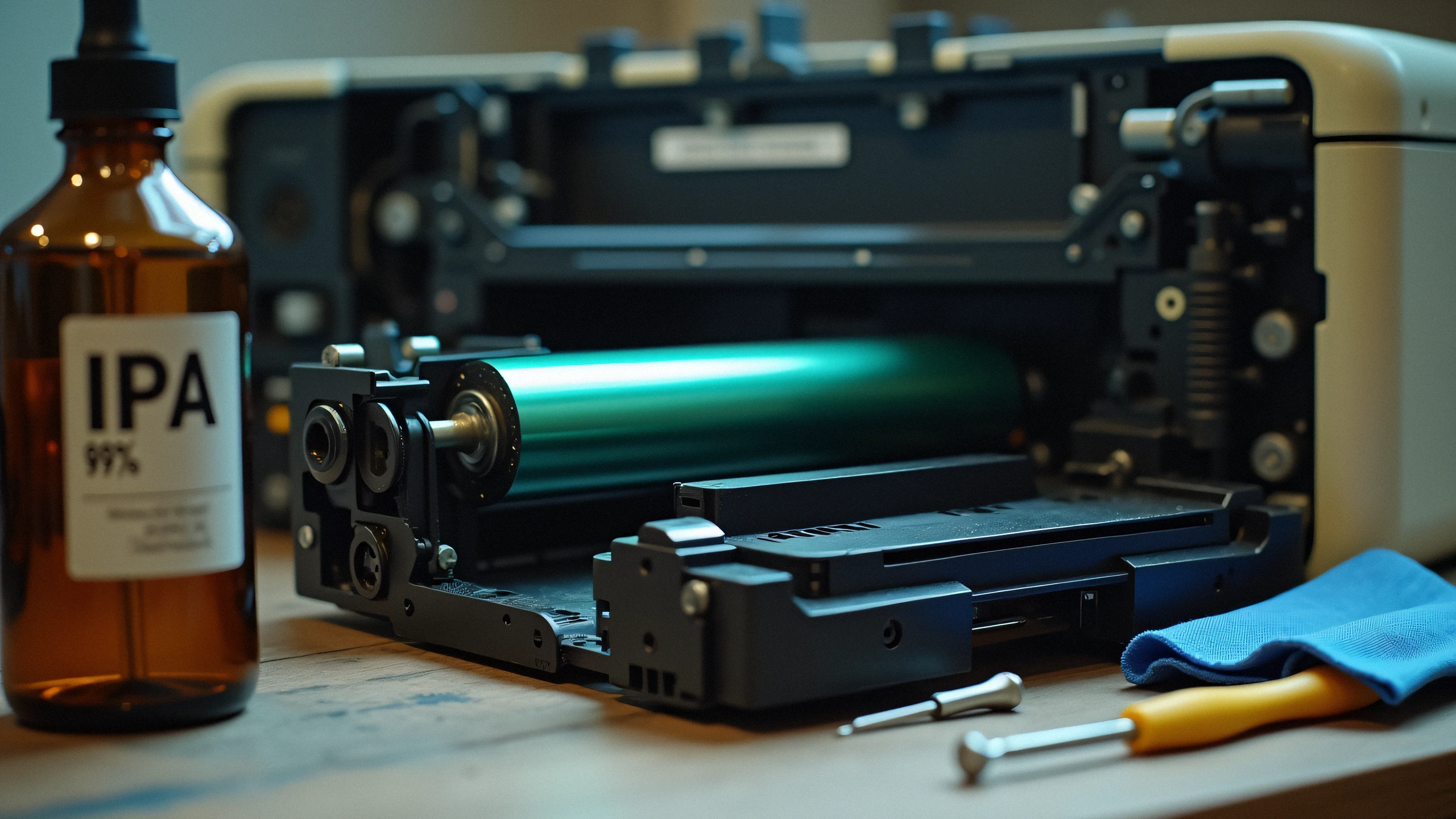
In laser printing technology, the toner cartridge holds the powder (dry pigment), while the OPC Imaging Drum (Organic Photo-Conductor) is the electro-photographic cylinder that transfers that powder onto paper using high-voltage corona wires and laser diode beams.
1. Key Symptoms That Point to Drum Failure, Not Toner:
- Repeating Spots or Blemishes: If a black dot repeats down the page at consistent 75mm to 95mm intervals, the drum surface has a physical gouge.
- Vertical Black Streaks: Scratches from staple clips or paper clips that cut into the photosensitive drum coating.
- Grey Background Fogging: The drum cylinder has lost its electrostatic charge holding capability.
- 'Replace Drum' or 'Drum Stop' Message: The internal page counter has reached the manufacturer threshold (typically 12,000 to 25,000 pages).
2. Separate Toner vs. Integrated Toner Systems:
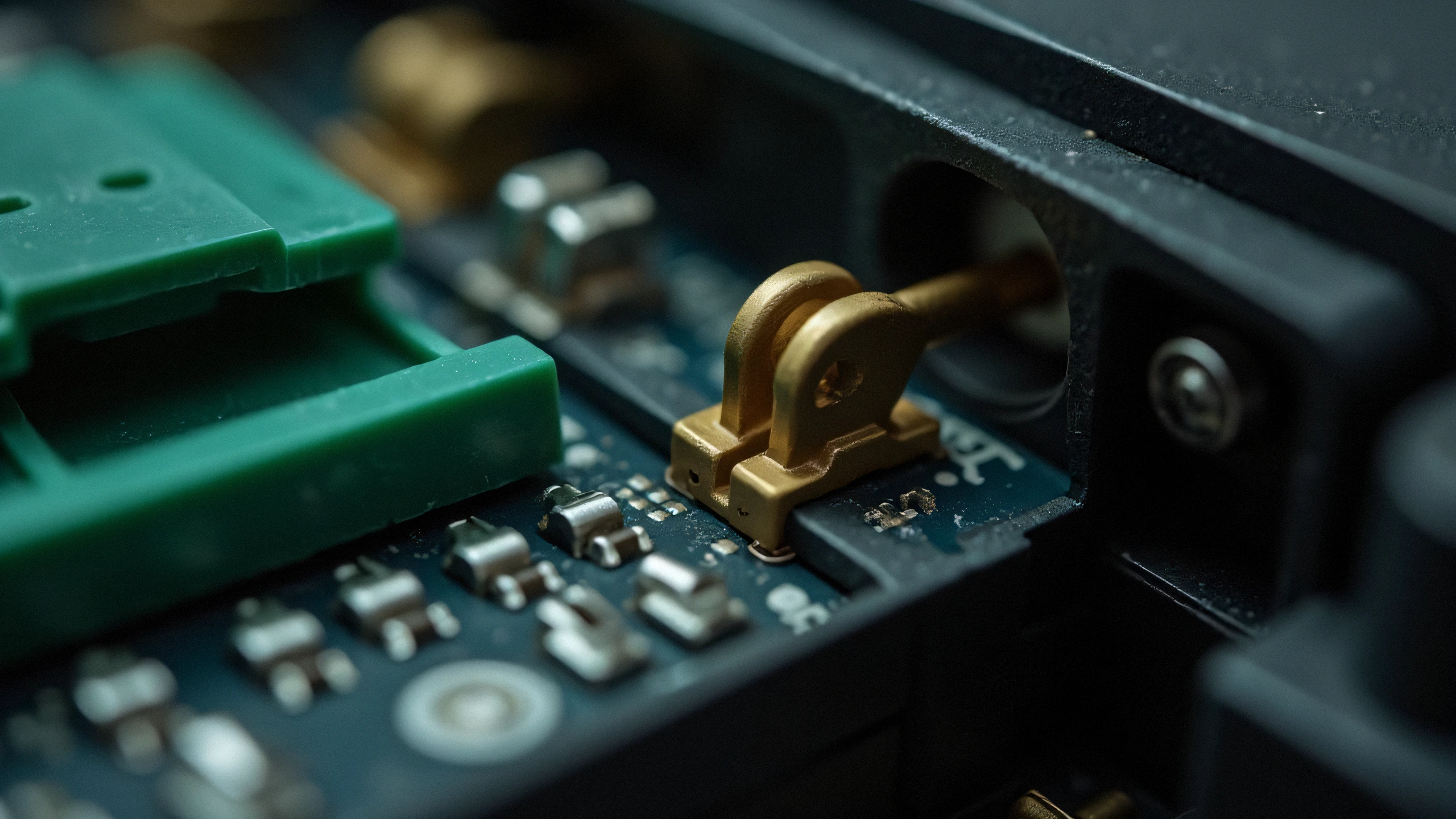
- Brother, Xerox, Canon: Most models feature a 2-piece assembly. The toner snaps into the drum basket. You must physically detach the toner and seat it into a new drum.
- HP LaserJet (Select Lines): Many commercial LaserJet models feature separate imaging drums (e.g., HP 19A CF219A, HP 32A CF232A).
3. Step-by-Step Installation & Corona Wire Cleaning:
- Turn off printer and open the front access door.
- Remove the joint toner-drum assembly.
- Push down the colored lock lever and lift the toner cartridge out.
- Unbox your replacement drum unit, remove the orange protective paper/shield without touching the green/blue drum roller surface.
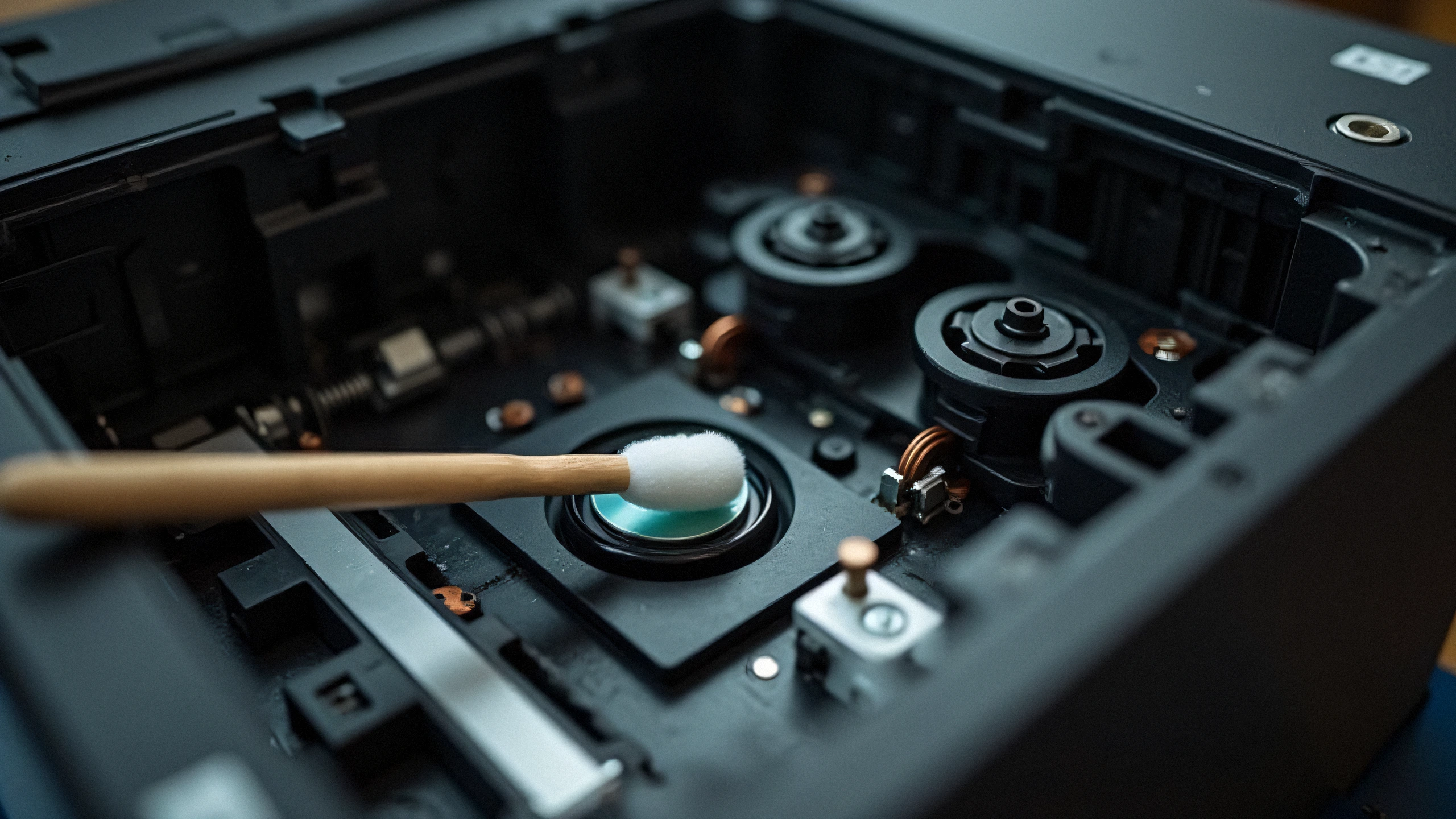
- Slide the green tab across the corona wire 3-4 times to clear dust, then park it back at the home position.
- Insert the toner into the drum until it clicks securely, and reinstall the assembly into the printer chassis.