DirectUpgrades Verified Hardware
Hardware Knowledge Base

Hardware Diagnostics & Troubleshooting Guides

Faded prints after replacing toner? Brand new SSD not detected in BIOS? Explore step-by-step diagnostic guides and component replacement sequences crafted by hardware technicians.

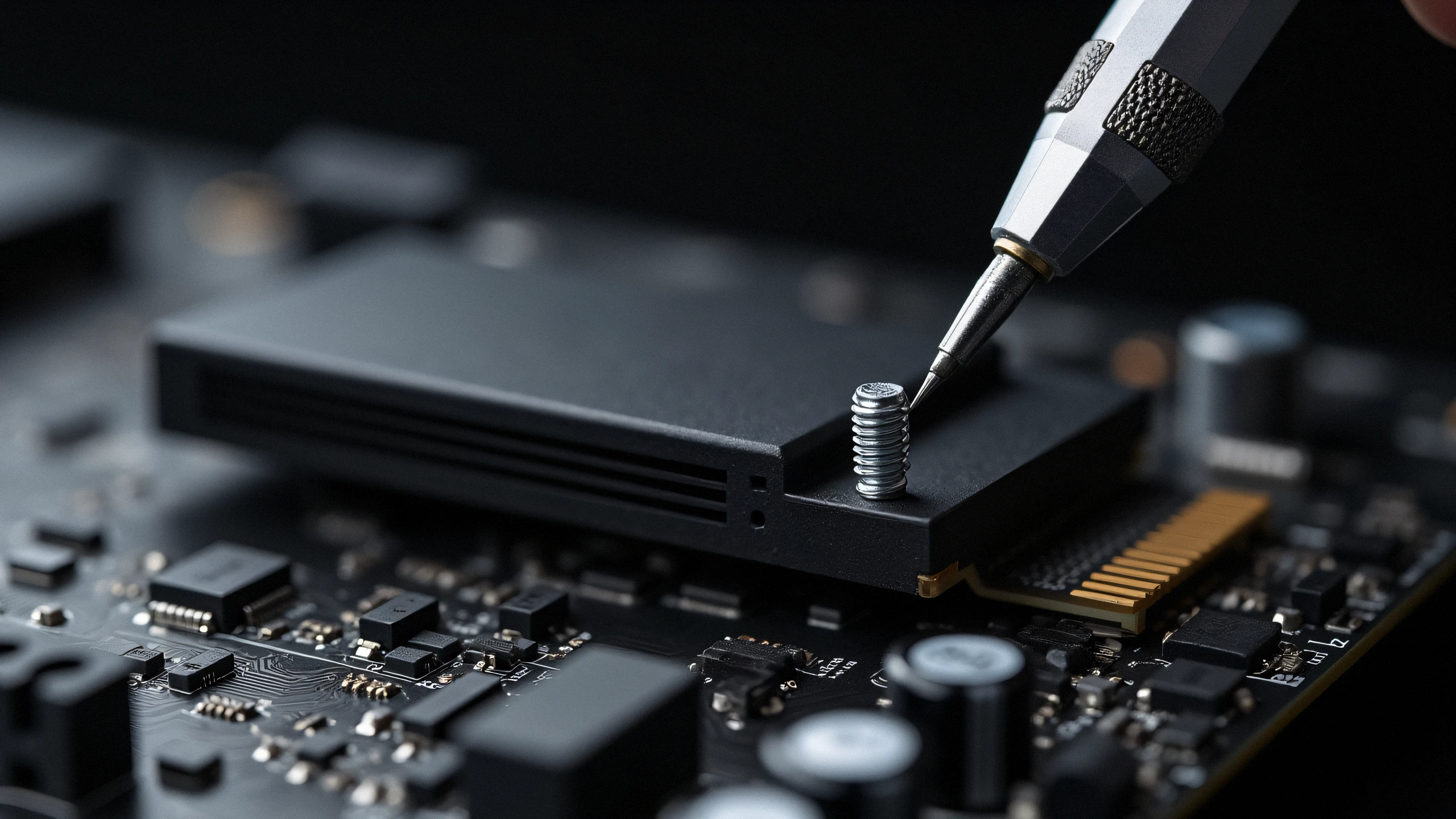
PS5 M.2 SSD Upgrade: Exact Heatsink Clearance & Overheating Prevention 2K
Gaming & Consoles 4 min read

PS5 M.2 SSD Upgrade: Exact Heatsink Clearance & Overheating Prevention

Sony PlayStation 5 expansion slot dimensional limits, thermal pad alignment, and PCIe Gen4 speed requirements.

Adding storage to your PlayStation 5 requires more than just buying any M.2 drive. You must ensure at least 5,500 MB/s read speeds and maximum heatsink height of 11.25mm to fit inside the expansion bay without thermal throttling.

Oct 23, 2026 Read Guide →
M.2 NVMe SSD Not Detected in BIOS or Windows Setup: VMD Controller & UEFI Settings 2K
Laptops & Memory 5 min read

M.2 NVMe SSD Not Detected in BIOS or Windows Setup: VMD Controller & UEFI Settings

Resolving Intel Rapid Storage Technology (RST) VMD issues and the infamous Windows installation prompt.

Installed a brand new high-speed NVMe PCIe Gen 4 SSD into your 11th-14th Gen Intel laptop, but the Windows installation screen says "We could not find any drives"? The issue is rarely a hardware defect; it is Intel Volume Management Device (VMD) requiring the IRST storage driver.

Oct 23, 2026 Read Guide →
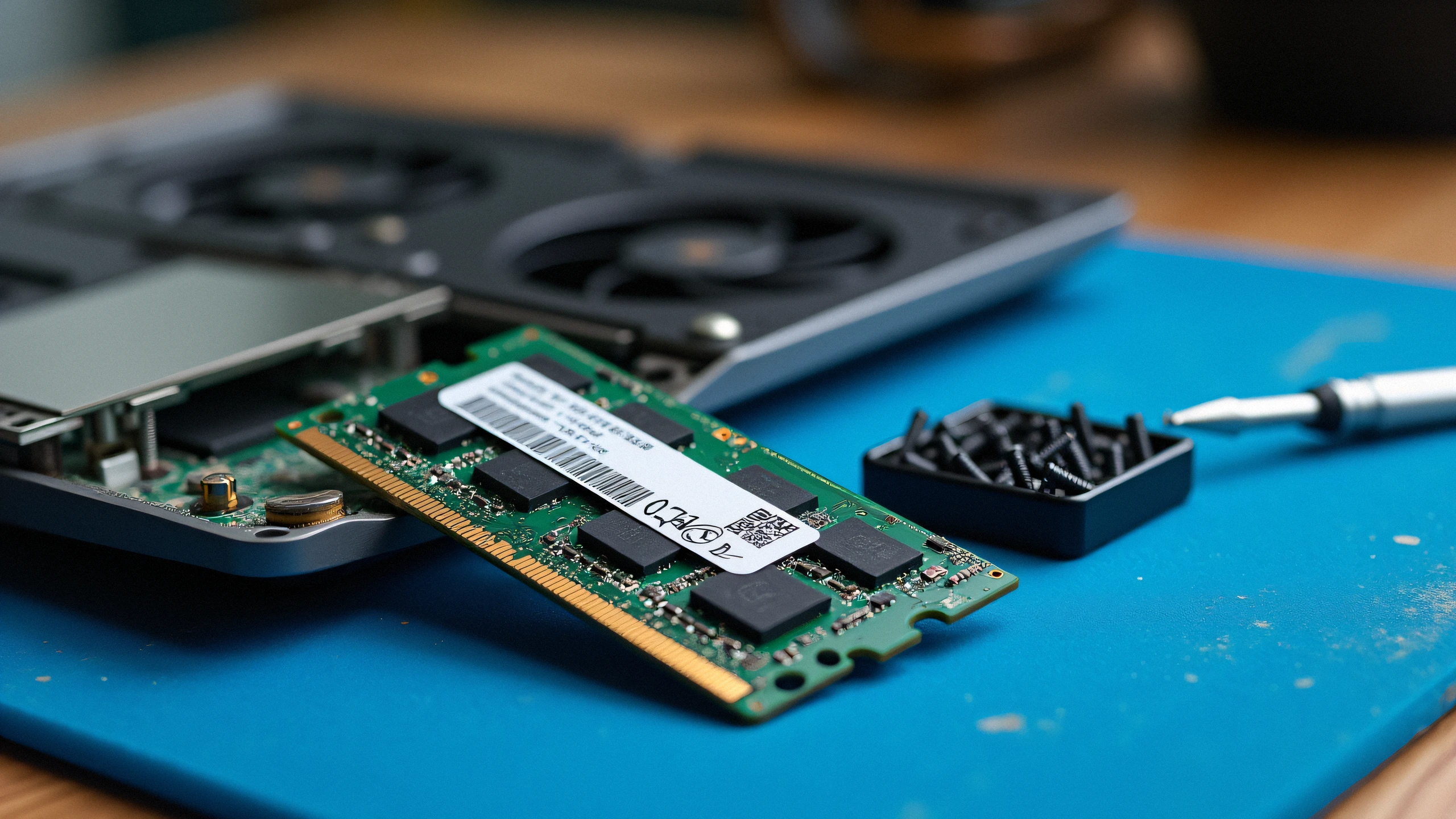
Laptop Black Screen or Beep Codes After RAM Upgrade: Memory Training & Timing Conflicts 2K
Laptops & Memory 7 min read

Laptop Black Screen or Beep Codes After RAM Upgrade: Memory Training & Timing Conflicts

Diagnosing POST failures, DDR5 memory training calibration cycles, JEDEC voltage conflicts, and rank density mismatches.

Turned on your laptop after installing new DDR4 or DDR5 RAM and greeted with a black screen or blinking caps-lock LED? In 90% of cases, your motherboard is either performing a first-boot memory training cycle or encountering a density/JEDEC timing conflict.

Oct 23, 2026 Read Guide →
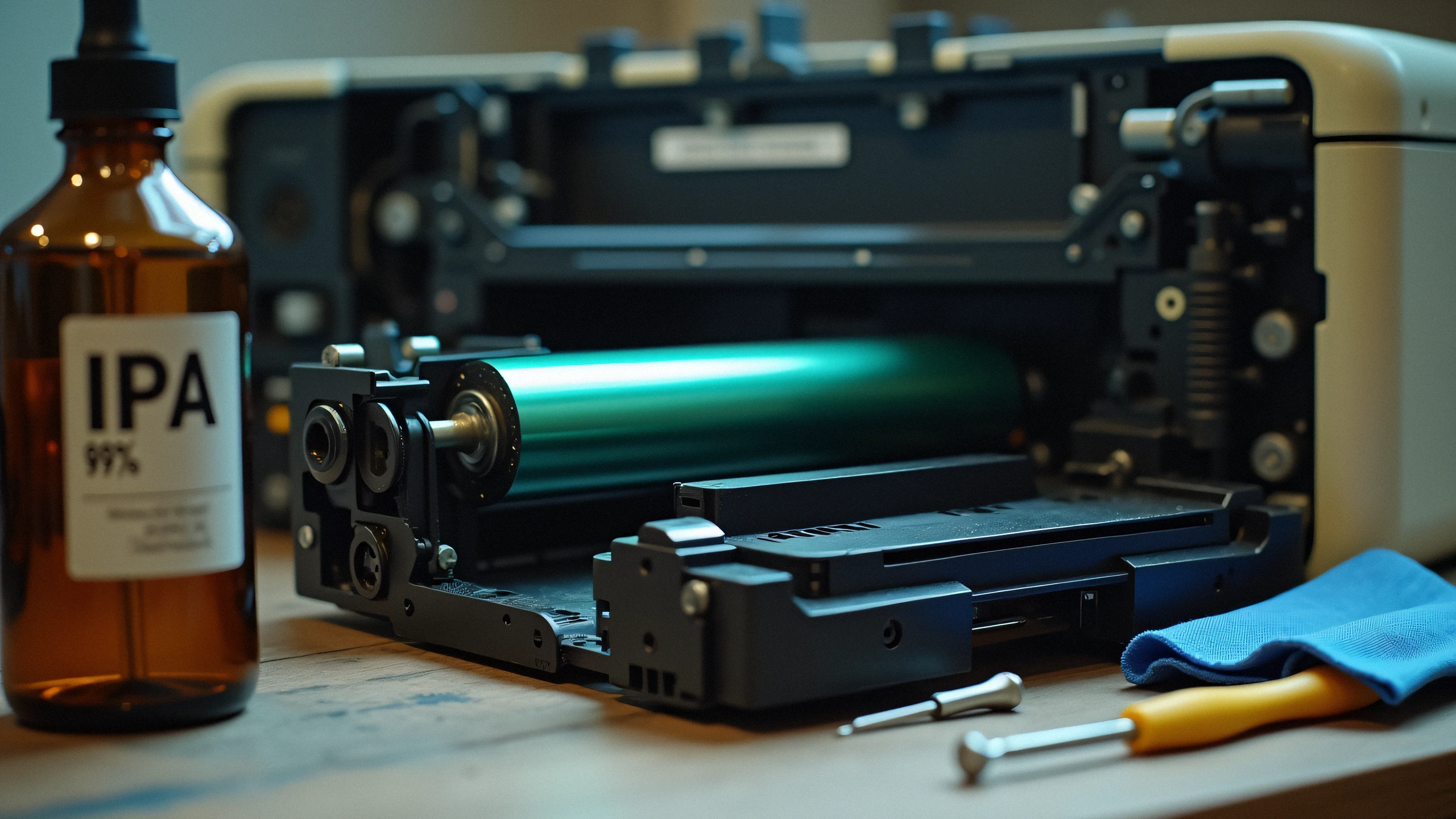
Faint Prints or Streaks After Installing New Toner? Drum Unit & Chip Replacement Guide 2K
Printers & Toners 5 min read

Faint Prints or Streaks After Installing New Toner? Drum Unit & Chip Replacement Guide

Why replacing toner cartridges alone does not fix black lines, ghosting, or faded pages — and how to replace the OPC imaging drum.

The most common printing mistake is assuming toner powder solves every print quality defect. If your laser printer outputs vertical lines, repeating dots, or faint grey backgrounds right after inserting fresh toner, your imaging drum unit has reached end-of-life.

Oct 23, 2026 Read Guide →