DirectUpgrades Verified Hardware
Hardware Knowledge Base

Hardware Diagnostics & Troubleshooting Guides

Faded prints after replacing toner? Brand new SSD not detected in BIOS? Explore step-by-step diagnostic guides and component replacement sequences crafted by hardware technicians.

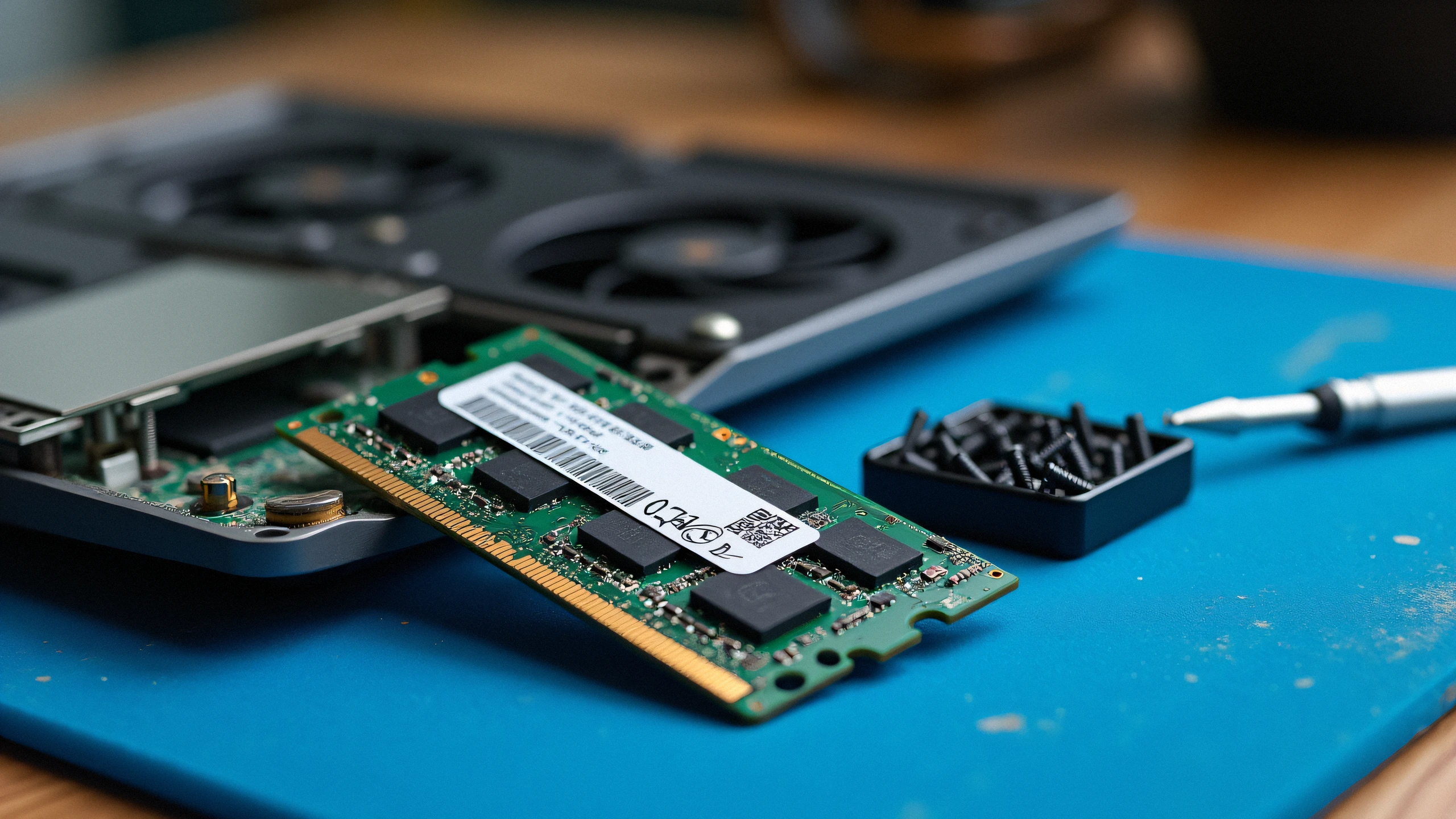
Laptop Black Screen or Beep Codes After RAM Upgrade: How to Fix Timing Mismatches 2K
Laptops & Memory 4 min read

Laptop Black Screen or Beep Codes After RAM Upgrade: How to Fix Timing Mismatches

Diagnosing POST failures, memory training cycles, voltage conflicts, and dual-channel population order.

Turned on your laptop after installing new DDR4 or DDR5 RAM and greeted with a black screen or blinking caps-lock LED? In 90% of cases, your motherboard is either performing a first-boot memory training cycle or encountering a density/JEDEC timing conflict.

Oct 24, 2026 Read Guide →
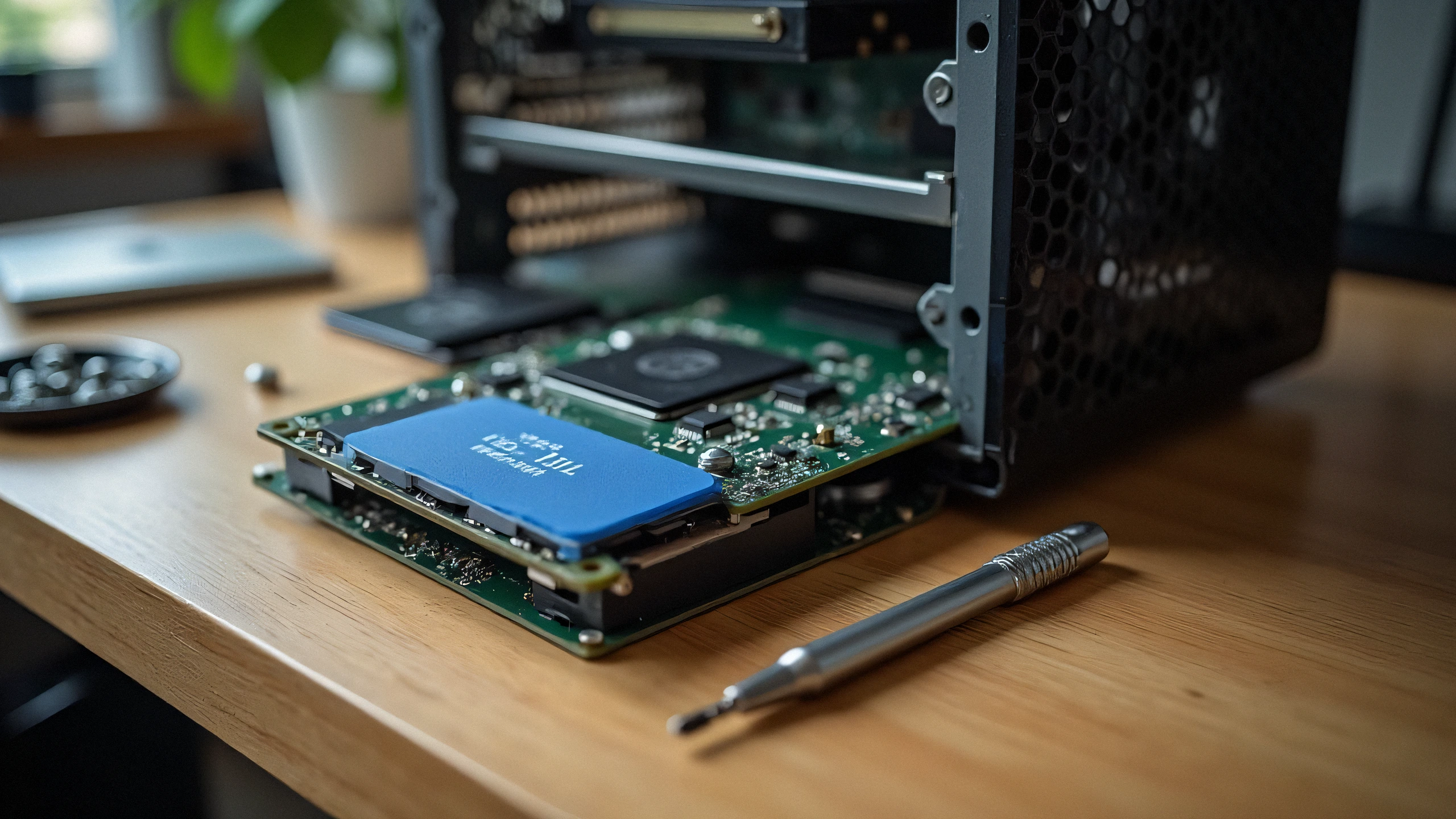
M.2 NVMe SSD Not Detected in BIOS or Windows Setup: VMD Controller & UEFI Settings 2K
Laptops & Memory 5 min read

M.2 NVMe SSD Not Detected in BIOS or Windows Setup: VMD Controller & UEFI Settings

Resolving Intel Rapid Storage Technology (RST) VMD issues and the infamous Windows installation prompt.

Installed a brand new high-speed NVMe PCIe Gen 4 SSD into your 11th-14th Gen Intel laptop, but the Windows installation screen says "We could not find any drives"? The issue is rarely a hardware defect; it is Intel Volume Management Device (VMD) requiring the IRST storage driver.

Oct 24, 2026 Read Guide →