The PlayStation 5 features a dedicated PCIe Gen4 x4 M.2 NVMe expansion slot located beneath the lower console faceplate. While adding 1TB, 2TB, or 4TB of ultra-fast storage is straightforward, improper heatsink choice can cause severe game crashes, corrupted saves, or thermal shutdown during intensive titles like Spider-Man 2 or Cyberpunk 2077.
1. Sony Official Specification Checklist:
- Interface: PCIe Gen4 x4 M.2 NVMe SSD (Key M)
- Sequential Read Speed: 5,500 MB/s or faster strongly recommended
- Form Factor: 2230, 2242, 2260, 2280, or 22110 (2280 is standard)
- Total Height Limit: Up to 11.25 mm (0.442 in) maximum from board center. Heatsink portion below board: max 2.45 mm. Heatsink portion above board: max 8.0 mm.
2. Crucial Installation Details:
- Heatsink is MANDATORY: Never run an SSD inside the PS5 without a dedicated metal heatsink. The expansion cavity has restricted airflow; an uncooled SSD will hit 85°C within 15 minutes.
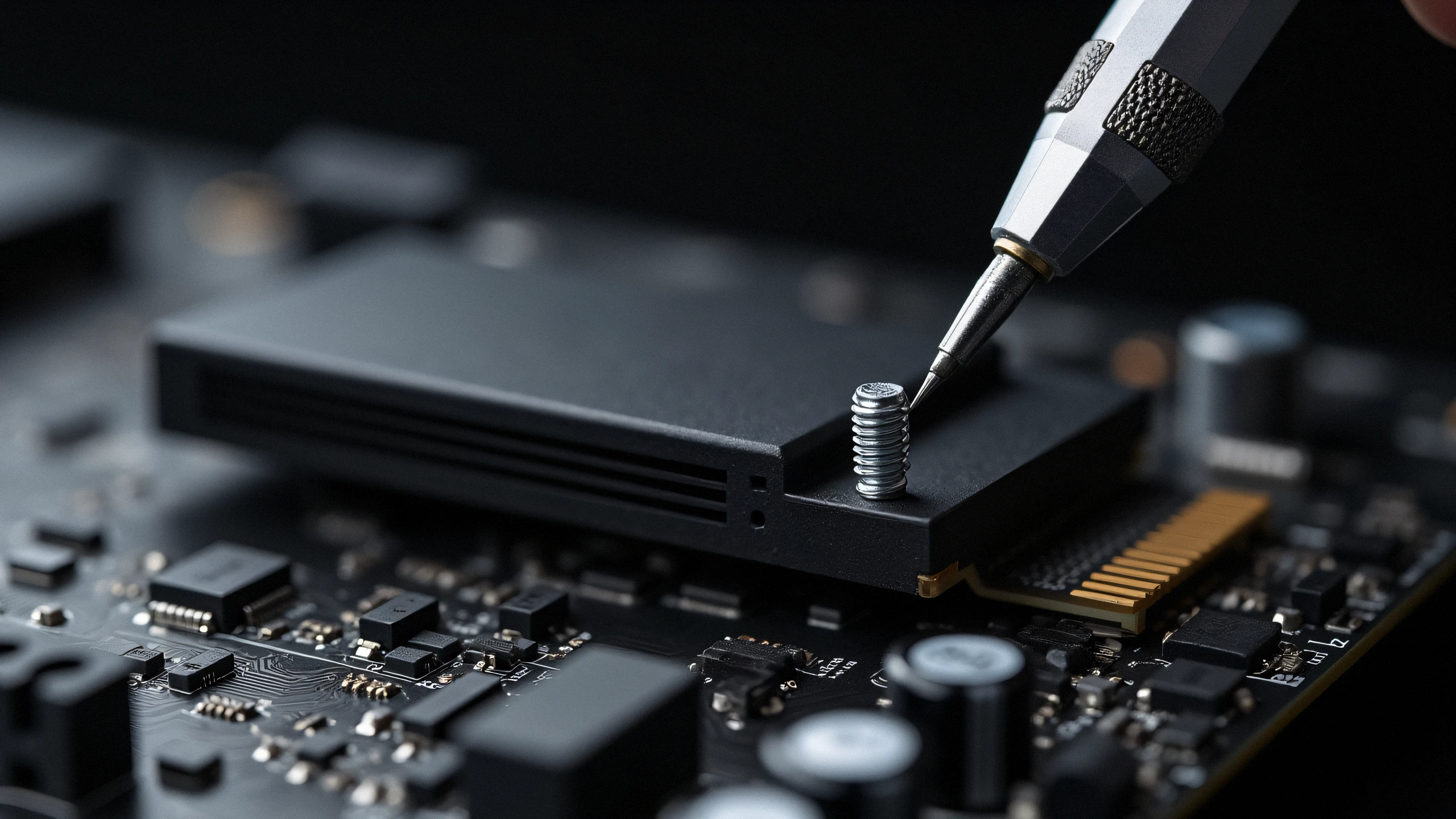
- Spacer Screw Position: Move the pre-installed metal spacer cylinder to position '80' before inserting your SSD. Tighten gently; overtorquing cracks the motherboard traces.