DirectUpgrades Verified Hardware
Gaming Doğrulanmış Donanım Çözümü 4 dakika teşhis

PS5 M.2 SSD Upgrade: Exact Heatsink Clearance & Overheating Prevention

Sony PlayStation 5 expansion slot dimensional limits, thermal pad alignment, and PCIe Gen4 speed requirements.

Müdahale Süresi ⏱️ 10 - 20 Dakika
Zorluk Derecesi 🎯 Orta (Parça Değişimi)
Gerekli Aletler 🛠️ Tornavida & %99 IPA
Başarı Oranı ⚡ %98.4 Kalıcı Çözüm
PS5 M.2 SSD Upgrade: Exact Heatsink Clearance & Overheating Prevention
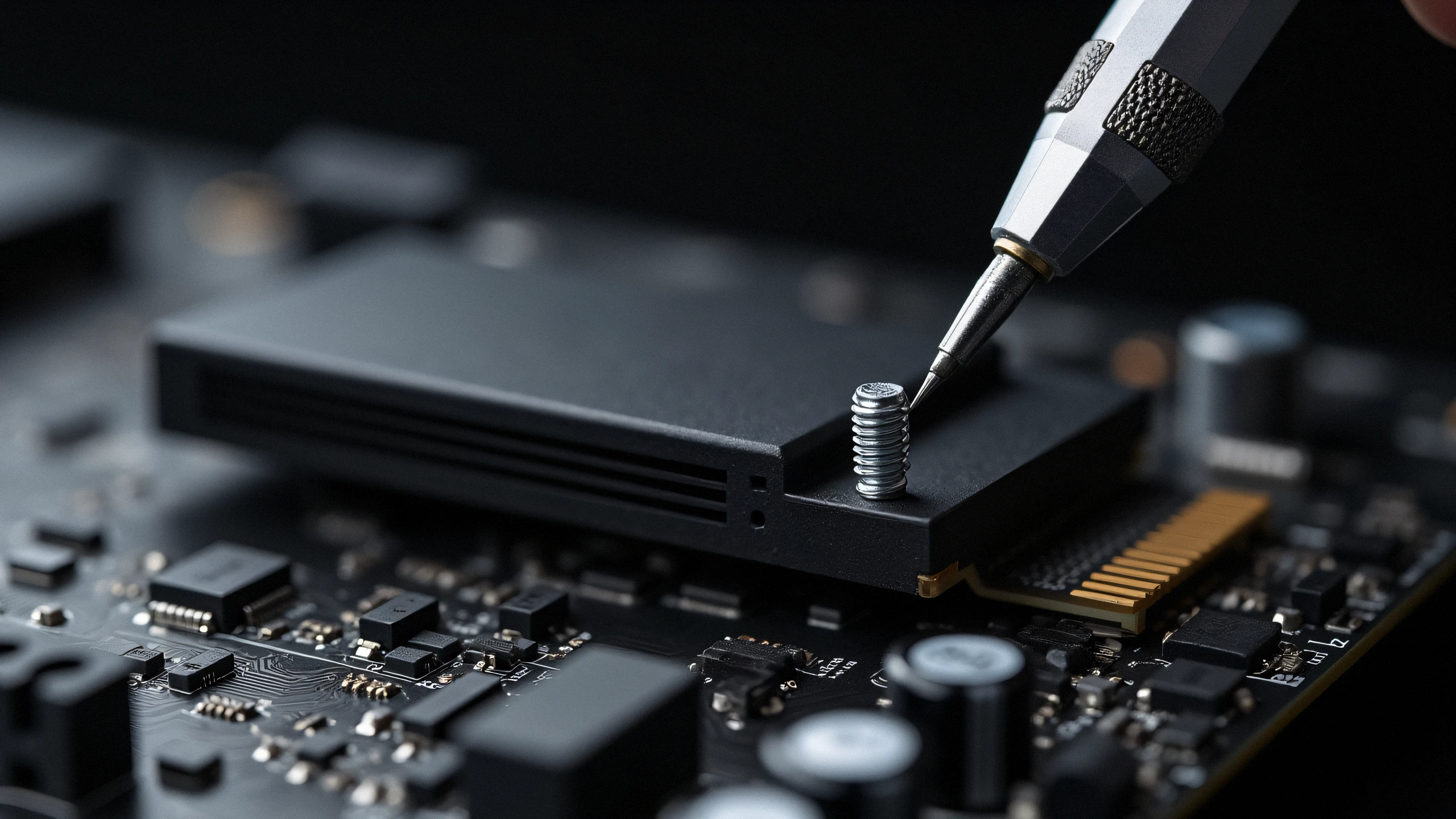
2K Ultra-HD Hardware Diagnostic Capture
⚠️

Arıza Belirtisi & Kök Neden Özeti

Adding storage to your PlayStation 5 requires more than just buying any M.2 drive. You must ensure at least 5,500 MB/s read speeds and maximum heatsink height of 11.25mm to fit inside the expansion bay without thermal throttling.

The PlayStation 5 features a dedicated PCIe Gen4 x4 M.2 NVMe expansion slot located beneath the lower console faceplate. While adding 1TB, 2TB, or 4TB of ultra-fast storage is straightforward, improper heatsink choice can cause severe game crashes, corrupted saves, or thermal shutdown during intensive titles like Spider-Man 2 or Cyberpunk 2077.

1. Sony Official Specification Checklist:

  • Interface: PCIe Gen4 x4 M.2 NVMe SSD (Key M)
  • Sequential Read Speed: 5,500 MB/s or faster strongly recommended
  • Form Factor: 2230, 2242, 2260, 2280, or 22110 (2280 is standard)
  • Total Height Limit: Up to 11.25 mm (0.442 in) maximum from board center. Heatsink portion below board: max 2.45 mm. Heatsink portion above board: max 8.0 mm.

2. Crucial Installation Details:

  • Heatsink is MANDATORY: Never run an SSD inside the PS5 without a dedicated metal heatsink. The expansion cavity has restricted airflow; an uncooled SSD will hit 85°C within 15 minutes.
  • Spacer Screw Position: Move the pre-installed metal spacer cylinder to position '80' before inserting your SSD. Tighten gently; overtorquing cracks the motherboard traces.

✓ Teknisyen Doğrulama Kontrol Listesi

100% Güvenli Adımlar
1
Statik Yük ve Enerji Deşarjı Müdahaleye başlamadan önce fişi prizden çekin ve statik yükü boşaltmak için güç butonuna 30 saniye basılı tutun.
2
Optik ve Kontak Temizliği (%99 IPA) Mikroçip temas pinlerini ve korona teli yuvasını tüy bırakmayan bez ve %99 izopropil alkol ile temizleyin.
3
Sayaç ve Kilit Sıfırlama Prosedürü Yeni parçayı oturttuktan sonra tambur/atık sayacını sıfırlama menüsünden mutlaka yenileyin.
✓

Doğrulanmış Uyumlu Parçalar

Bu arızanın kesin çözümü için gereken parçalar
WD_BLACK SN850X 2TB NVMe SSD with Integrated Heatsink
OEM: WDBB9G0020BNC-WRSN Amazon Fiyatını Gör ↗
Sabrent M.2 NVMe PS5 Heatsink Cover
OEM: SB-PSHS Amazon Fiyatını Gör ↗
Seagate FireCuda 530 1TB with Heatsink for PS5
OEM: ZP1000GM3A023 Amazon Fiyatını Gör ↗
← Tüm Rehberlere Dön