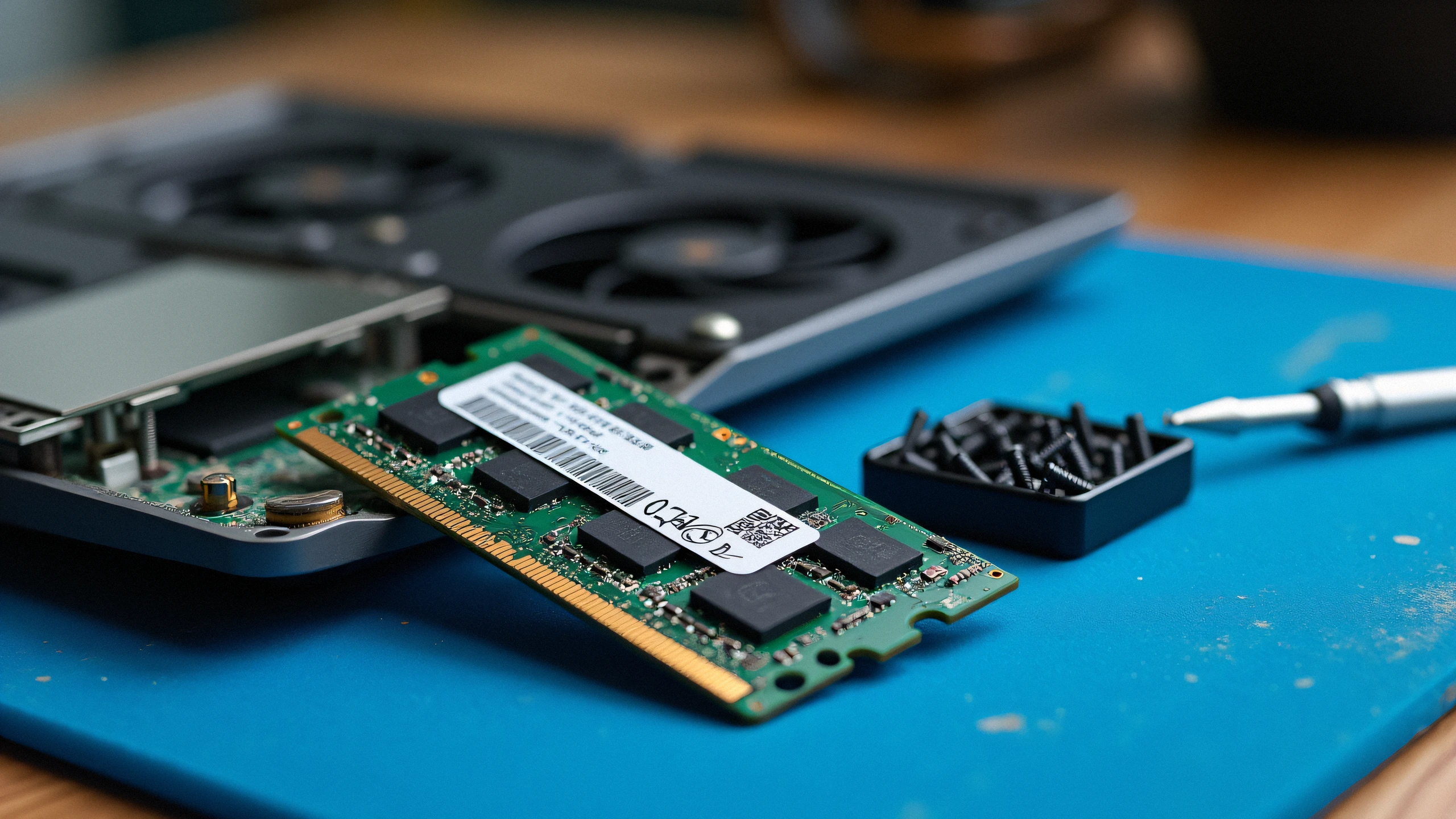
1. Root Cause Analysis: Why Your Laptop Fails to POST After RAM Upgrade
A black screen with spinning fans or repeating beep codes immediately after installing new DDR4 or DDR5 SO-DIMM memory is rarely a dead RAM stick. In over 90% of field repairs, the issue stems from JEDEC Memory Training cycles, SPD timing profile mismatches (x8 vs x16 memory organization), or unseated gold contact fingers.
Use the diagnostic matrix below to pinpoint the failure mode:
| Observed Symptom | Primary Hardware Cause | Secondary Factor | Diagnostic Test & Immediate Fix |
|---|---|---|---|
| Black Screen, Fans Full Speed (No POST) | DDR5 Memory Training Cycle | Dirty SO-DIMM Slot Contacts | Wait a full 3 to 5 minutes on first boot without touching the power button. |
| 3 Continuous Beeps or Amber LED 3-2 | Memory Not Detected / Unseated | Slot Latch Not Fully Locked | Re-insert at a 45-degree angle; apply firm dual-thumb pressure until clips click. |
| Continuous Cycling Bootloop (5s on, off) | SPD Timing / Sub-timing Conflict | Mixing 1Rx8 with 1Rx16 Modules | Install only matching single-rank or dual-rank modules from the same manufacturer. |
| Boots to BIOS but Freezes on Windows Logo | Voltage Instability (VDD/VDDQ) | Outdated BIOS IMC Microcode | Flash latest laptop BIOS using the original working memory module first. |
| Only One Slot Recognized (Half Capacity) | Bent CPU Socket Pin or Cold Solder | Debris in Secondary SO-DIMM Slot | Inspect slot with a 10x jeweler loupe; clean with 99% isopropyl alcohol. |
Lead Hardware Specialist Note: On modern Intel (12th to 14th Gen Alder Lake / Raptor Lake) and AMD Ryzen (6000/7000/8000 series) mobile platforms, DDR5 memory training verifies signal integrity and traces per-pin delays across hundreds of iterations. Power cycling the laptop during this initial sequence will corrupt training data, trapping the Embedded Controller (EC) in an infinite reboot loop.
2. The x8 vs x16 Density Trap (Memory Architecture Details)
Many budget DDR4 and DDR5 SO-DIMM kits utilize a 1Rx16 (1 Rank, 16-bit bus width) topology with only 4 physical IC chips per module to reduce manufacturing costs.
Why 1Rx16 Modules Cause Black Screens & Performance Degradation
- Sub-Channel Routing: DDR5 introduces two independent 32-bit sub-channels per channel. While standard 1Rx8 modules (8 chips) balance across both sub-channels effortlessly, 1Rx16 modules compress the bus, forcing the Integrated Memory Controller (IMC) into fallback legacy compatibility modes.
- Column-to-Column Delay (
tCCD_L): 1Rx16 memory requires significantly longer internal delay cycles. If your laptop motherboard BIOS firmware expects standard JEDECtCCD_Lvalues, it will fail timing assertion checks during boot. - Channel Mixing Rule: Never mix an original 1Rx8 factory stick with a cheap 1Rx16 aftermarket upgrade. The timing divergence between bank groups will crash the IMC during dual-channel arbitration.
| Specification | 1Rx8 High-Performance (Recommended) | 1Rx16 Budget / Low-Density |
|---|---|---|
| Physical Memory Chips per Stick | 8 Chips (4 per side) | 4 Chips (single side) |
| Bank Groups | 4 Bank Groups (16 Banks total) | 2 Bank Groups (8 Banks total) |
| Real-World Bandwidth & Gaming FPS | 100% Full Specification | 10% to 20% Performance Drop |
| First-Boot Compatibility Rate | 99.2% Plug-and-Play | Prone to Training Timeouts |
3. Step-by-Step Recovery & Proper Installation SOP
Phase 1: Hardware Preparation & Static Discharge
- Shut down Windows completely (hold Shift while clicking Shut Down).
- Unplug the AC power adapter.
- Remove bottom chassis screws using an authentic Phillips #00 or Torx T5 driver.
- Crucial Safety Step: Disconnect the internal Li-ion battery cable from the motherboard before touching any SO-DIMM slot.
- Press and hold the laptop power button for 30 seconds to drain residual capacitors.
Phase 2: Correct Socket Seating Technique
- Pull the side spring clips outward to eject the old module at a 30° to 45° angle.
- Clean the golden contact pins of the new RAM stick with a lint-free cloth dampened with 99% anhydrous Isopropyl Alcohol (never use water or contact spray).
- Align the alignment notch with the socket key.
- Slide the stick firmly into the slot at a 30° angle until almost no gold contact fingers are exposed.
- Push down evenly on both top corners until the metal retaining clips snap shut with a distinct, audible metallic click.
Phase 3: The Cold Boot Sequence
- Reconnect the battery connector securely. Re-attach the base panel.
- Plug in the AC charger (many laptops refuse to train new RAM on battery power alone).
- Press the power button once. DO NOT PANIC when the screen remains completely black for 60 to 180 seconds. The keyboard backlight will flash 2 to 3 times as the memory controller writes calibration values to NVRAM.
- Once the display lights up with the manufacturer logo, enter BIOS setup (F2, F12, or Del) and verify that the full memory size and JEDEC frequency (e.g., 5600 MT/s) are recognized.