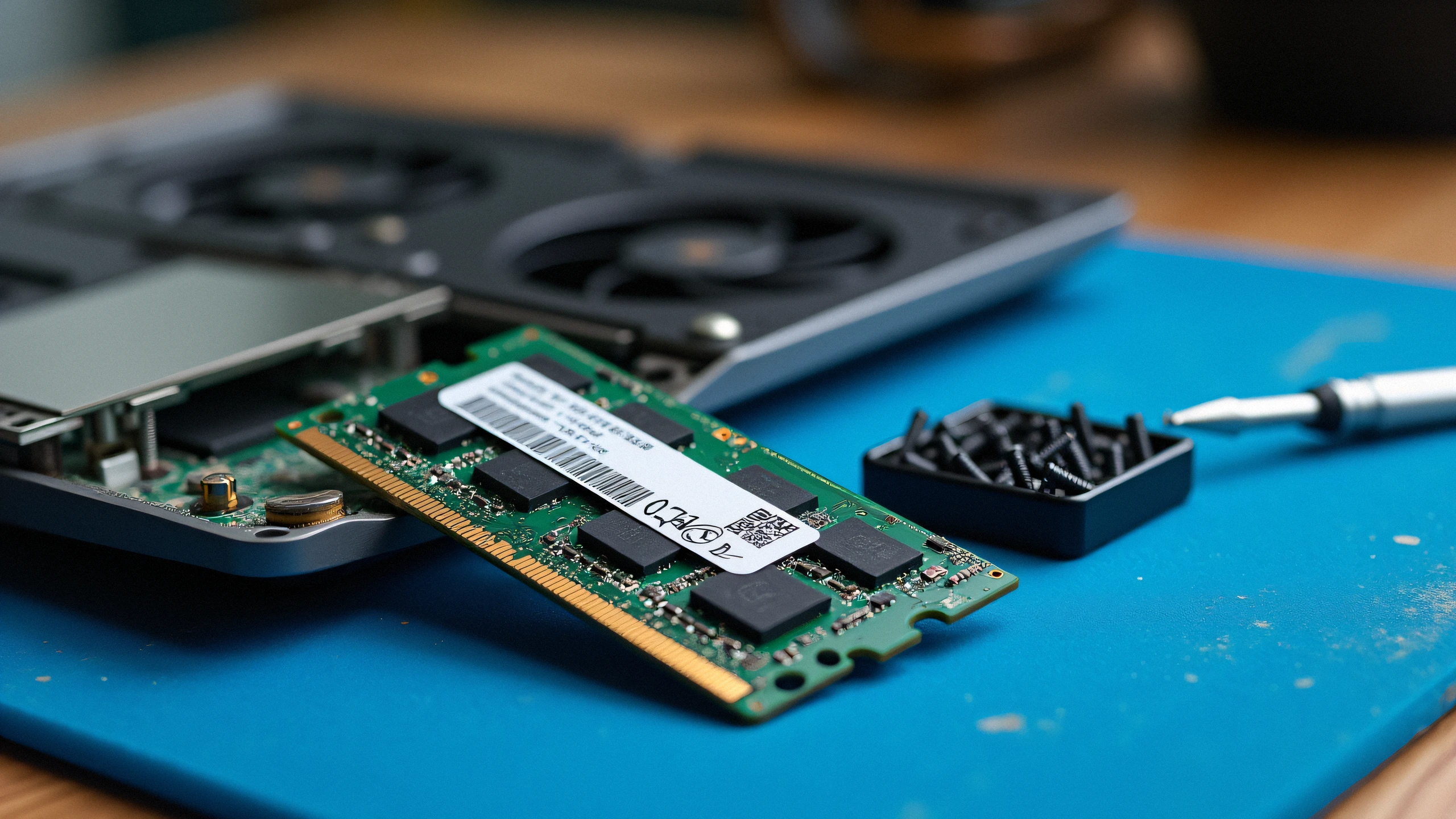
Upgrading system memory is the fastest way to eliminate stutter and multitasking lag on laptops. However, modern SODIMM modules (especially high-density DDR5 and low-voltage DDR4 1.2V) require precise timing alignment with the memory controller integrated into the CPU.
1. The 120-Second Memory Training Rule (Especially DDR5):
On newer laptops (Intel 12th-14th Gen, AMD Ryzen 6000-8000), changing RAM configuration triggers a cold memory calibration sequence called Memory Training. The screen WILL REMAIN COMPLETELY BLACK for up to 2-3 minutes on the first power-on. Never force power-off during this sequence!
2. Critical Checkpoints:
- Voltage Mismatches: Mixing older DDR3 (1.5V) with DDR3L (1.35V), or DDR4 standard with low-grade modules.
- Single vs. Dual Rank (1Rx8 vs 2Rx8): Certain Intel mobile chipsets cannot pair single-rank with dual-rank sticks in interleaved mode.
- Unseated Contacts: Laptop SODIMM sockets require an angled 30-degree insertion until gold pins disappear before pushing down to snap the side clips.
3. Recovery Procedure:
- Disconnect battery and AC adapter. Hold power button for 30 seconds to flush residual capacitors.
- Remove the new module. Clean the gold pin contacts with isopropyl alcohol.
- Test the single new stick in Slot 1 alone to verify if the stick itself is functional.