DirectUpgrades Verified Hardware
Donanım Bilgi Tabanı

Arıza Teşhis & Yükseltme Rehberleri

Toner değişiminden sonra soluk baskı mı alıyorsunuz? Yeni taktığınız SSD BIOS'ta görünmüyor mu? Donanım mühendislerimiz tarafından hazırlanan adım adım çözüm rehberlerini inceleyin.

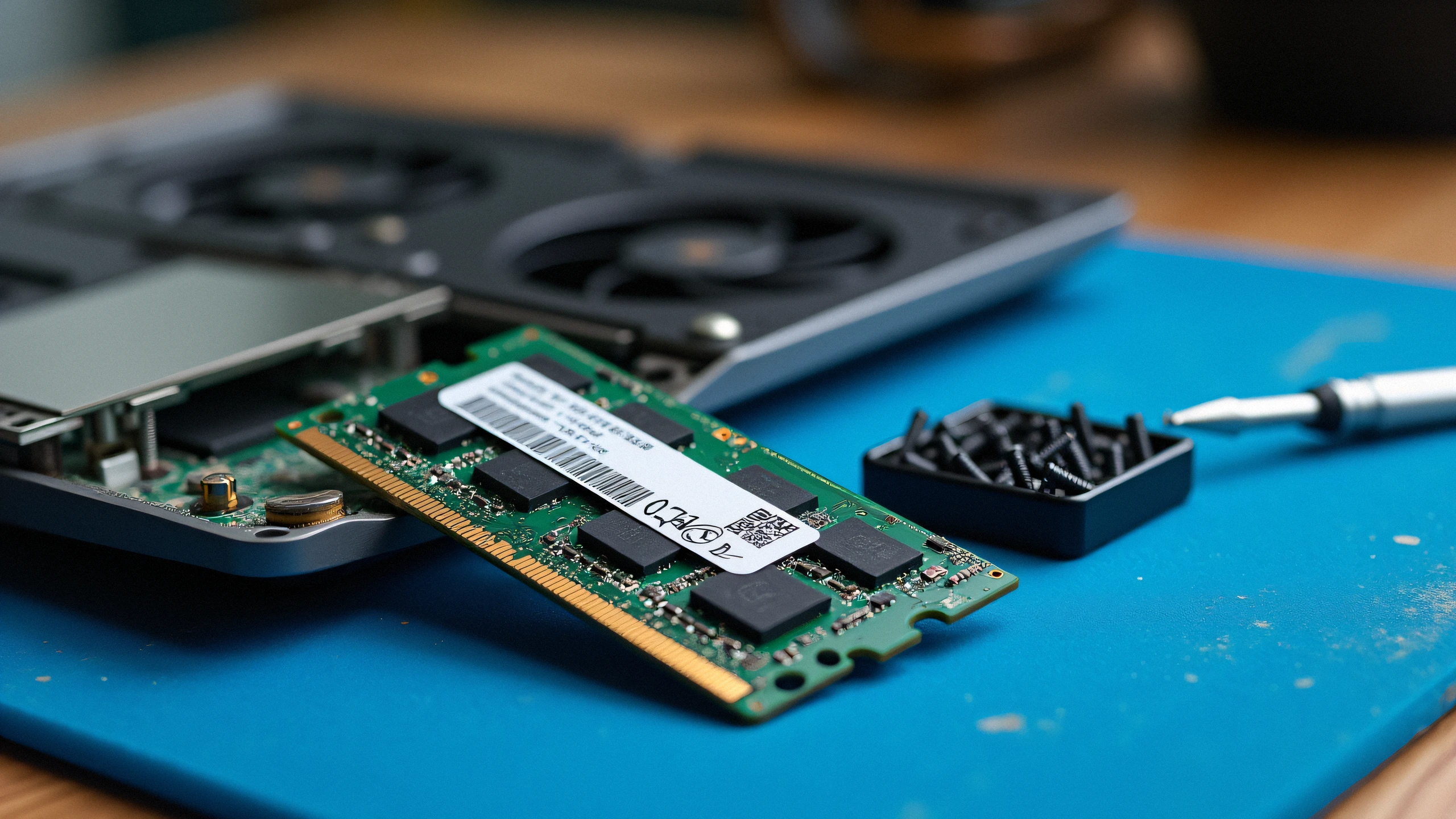
Laptop Black Screen or Beep Codes After RAM Upgrade: How to Fix Timing Mismatches 2K
Laptop & RAM / SSD 4 min read

Laptop Black Screen or Beep Codes After RAM Upgrade: How to Fix Timing Mismatches

Diagnosing POST failures, memory training cycles, voltage conflicts, and dual-channel population order.

Turned on your laptop after installing new DDR4 or DDR5 RAM and greeted with a black screen or blinking caps-lock LED? In 90% of cases, your motherboard is either performing a first-boot memory training cycle or encountering a density/JEDEC timing conflict.

Oct 24, 2026 Rehberi Oku →
M.2 NVMe SSD Not Detected in BIOS or Windows Setup: VMD Controller & UEFI Settings 2K
Laptop & RAM / SSD 5 min read

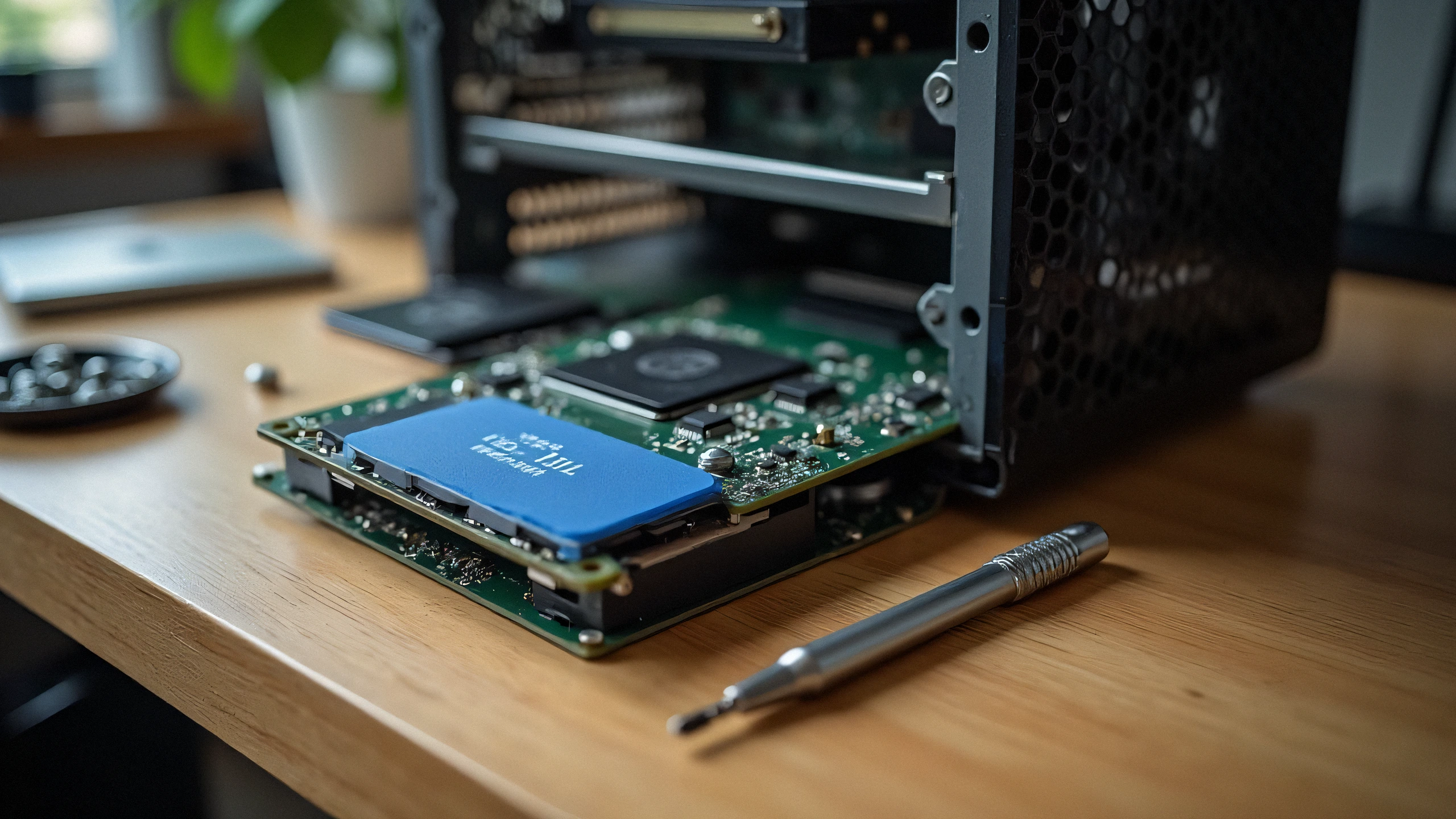
M.2 NVMe SSD Not Detected in BIOS or Windows Setup: VMD Controller & UEFI Settings

Resolving Intel Rapid Storage Technology (RST) VMD issues and the infamous Windows installation prompt.

Installed a brand new high-speed NVMe PCIe Gen 4 SSD into your 11th-14th Gen Intel laptop, but the Windows installation screen says "We could not find any drives"? The issue is rarely a hardware defect; it is Intel Volume Management Device (VMD) requiring the IRST storage driver.

Oct 24, 2026 Rehberi Oku →