DirectUpgrades Varmennettu Laitteisto
Laptops Varmistettu laitteistoratkaisu 5 minuutin diagnoosi

M.2 NVMe SSD Not Detected in BIOS or Windows Setup: VMD Controller & UEFI Settings

Resolving Intel Rapid Storage Technology (RST) VMD issues and the infamous Windows installation prompt.

Arvioitu kesto ⏱️ 10 - 20 Minuuttia
Vaikeustaso 🎯 Kohtalainen (Osan vaihto)
Tarvittavat työkalut 🛠️ Tarkkuusruuvitaltta & IPA
Onnistumisprosentti ⚡ 98,4% Pysyvä ratkaisu
M.2 NVMe SSD Not Detected in BIOS or Windows Setup: VMD Controller & UEFI Settings
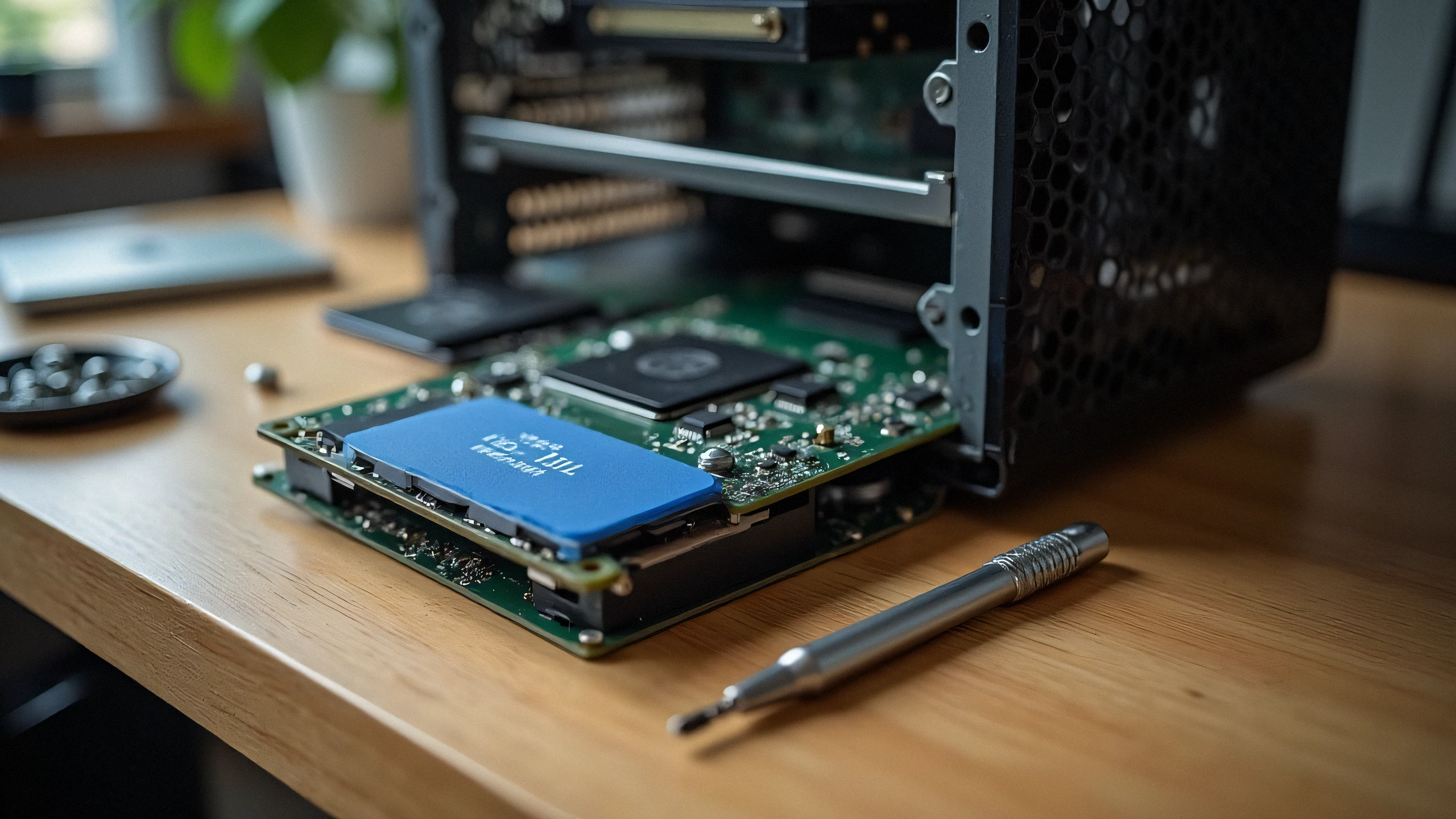
2K Ultra-HD Laitteistodiagnostiikkakuva
⚠️

Vian oireet ja diagnoosin yhteenveto

Installed a brand new high-speed NVMe PCIe Gen 4 SSD into your 11th-14th Gen Intel laptop, but the Windows installation screen says "We could not find any drives"? The issue is rarely a hardware defect; it is Intel Volume Management Device (VMD) requiring the IRST storage driver.

Modern laptops with Intel Tiger Lake, Alder Lake, Raptor Lake, and Meteor Lake processors utilize Intel VMD (Volume Management Device) to manage NVMe lanes directly from the CPU. Because standard Windows 10/11 installation media does not contain the latest Intel VMD controller driver, the storage drive appears invisible during OS installation.

1. Two Proven Fixes:

Option A: Load Driver During Windows Setup (Recommended)

  1. Download the Intel RST (VMD) Floppy/F6 driver from your laptop manufacturer (Dell, ASUS, Lenovo, HP).
  2. Extract the driver folder onto your Windows USB installation drive.
  3. On the drive selection screen, click 'Load driver' -> Browse to the VMD folder -> Select 'Intel RST VMD Controller 9A0B'. The SSD will appear instantly!

Option B: Disable VMD in BIOS (Alternative)

  1. Enter BIOS (F2 or Del during startup).
  2. Navigate to 'Advanced' or 'System Configuration'.
  3. Find 'Intel VMD Controller' or 'VMD Technology' and toggle to [Disabled].
  4. Set SATA/NVMe Operation to [AHCI/NVMe]. Save and reboot.

2. Physical Checklist:

Ensure your M.2 SSD is seated fully into the M-key slot and secured with the retention screw without bending the PCB substrate.

✓ Teknikon lopullinen tarkistuslista

100% Turvalliset Vaiheet
1
Virrankatkaisu ja staattisen varauksen purku Irrota virtajohto ja pidä virtapainiketta painettuna 30 sekuntia purkaaksesi jäännösvarauksen.
2
Sähköliittimien puhdistus (IPA 99 %) Puhdista EEPROM-sirun kullatut pinnit ja koronajohtimet nukkaamattomalla liinalla ja 99 % isopropanolilla.
3
Laskurin ja lukituksen nollaus Suorita manuaalinen nollausjärjestys (Clear / OK) poistaaksesi laiteohjelmiston varoitukset.
✓

Liittyvät yhteensopivat osat

Viralliset osat, joita tarvitaan pysyvään korjaukseen
Samsung 990 PRO 2TB PCIe 4.0 NVMe M.2 SSD
OEM: MZ-V9P2T0B/AM Tarkista hinta Amazonissa ↗
Kingston KC3000 1TB PCIe 4.0 NVMe SSD
OEM: SKC3000S/1024G Tarkista hinta Amazonissa ↗
SanDisk Ultra 32GB USB 3.0 Flash Drive for Drivers
OEM: SDCZ48-032G-U46 Tarkista hinta Amazonissa ↗
← Takaisin kaikkiin oppaisiin