DirectUpgrades Preverjena Strojna Oprema
Laptops Preverjena strojna rešitev 5 min diagnostike

M.2 NVMe SSD Not Detected in BIOS or Windows Setup: VMD Controller & UEFI Settings

Resolving Intel Rapid Storage Technology (RST) VMD issues and the infamous Windows installation prompt.

Predvideni čas ⏱️ 10 - 20 Minut
Zahtevnost 🎯 Zmerna (Menjava dela)
Potrebno orodje 🛠️ Natančni izvijač & IPA
Stopnja uspešnosti ⚡ 98,4% Trajna rešitev
M.2 NVMe SSD Not Detected in BIOS or Windows Setup: VMD Controller & UEFI Settings
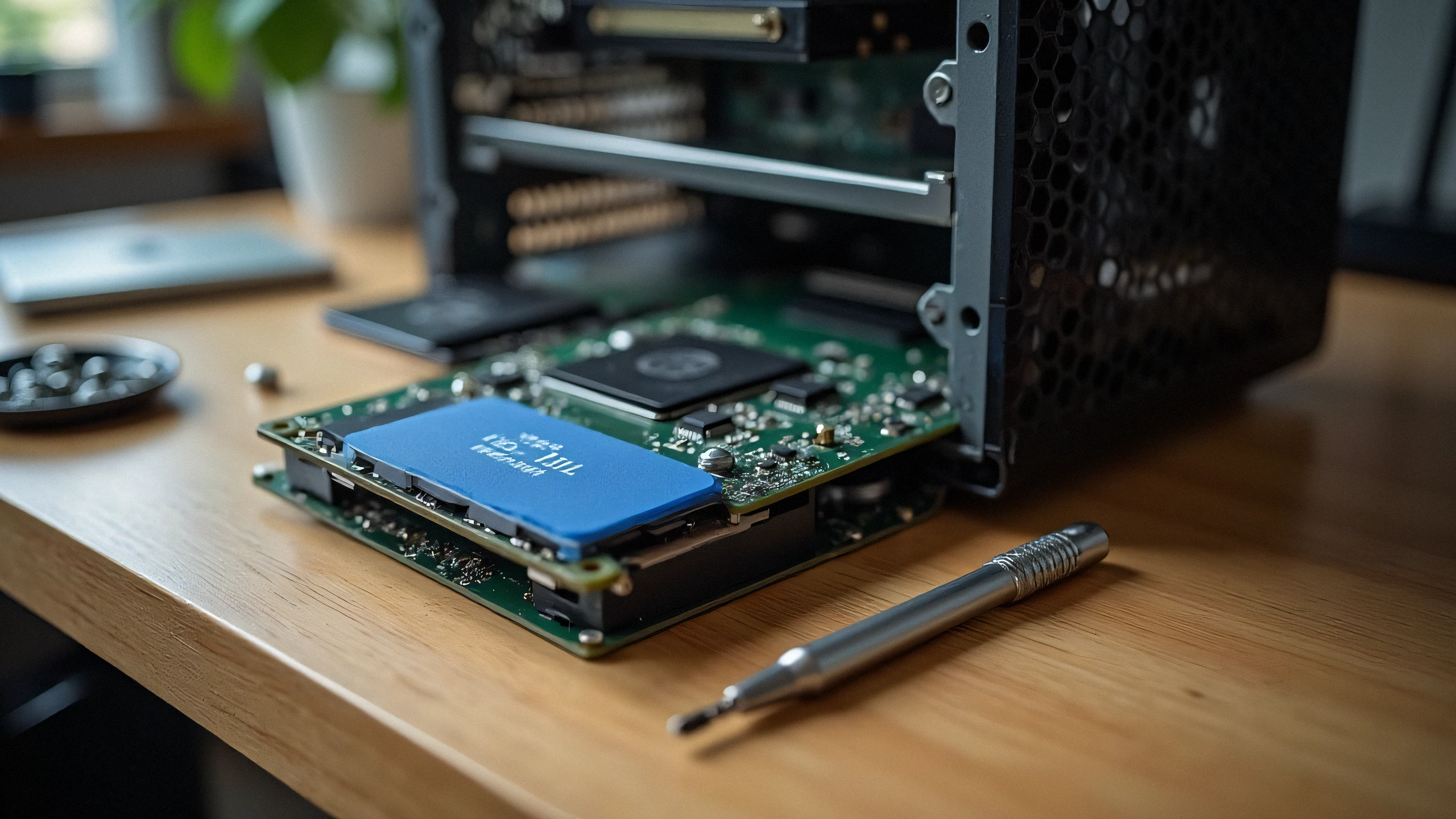
2K Ultra-HD Diagnostični Posnetek Strojne Opreme
⚠️

Simptom težave in povzetek diagnoze

Installed a brand new high-speed NVMe PCIe Gen 4 SSD into your 11th-14th Gen Intel laptop, but the Windows installation screen says "We could not find any drives"? The issue is rarely a hardware defect; it is Intel Volume Management Device (VMD) requiring the IRST storage driver.

Modern laptops with Intel Tiger Lake, Alder Lake, Raptor Lake, and Meteor Lake processors utilize Intel VMD (Volume Management Device) to manage NVMe lanes directly from the CPU. Because standard Windows 10/11 installation media does not contain the latest Intel VMD controller driver, the storage drive appears invisible during OS installation.

1. Two Proven Fixes:

Option A: Load Driver During Windows Setup (Recommended)

  1. Download the Intel RST (VMD) Floppy/F6 driver from your laptop manufacturer (Dell, ASUS, Lenovo, HP).
  2. Extract the driver folder onto your Windows USB installation drive.
  3. On the drive selection screen, click 'Load driver' -> Browse to the VMD folder -> Select 'Intel RST VMD Controller 9A0B'. The SSD will appear instantly!

Option B: Disable VMD in BIOS (Alternative)

  1. Enter BIOS (F2 or Del during startup).
  2. Navigate to 'Advanced' or 'System Configuration'.
  3. Find 'Intel VMD Controller' or 'VMD Technology' and toggle to [Disabled].
  4. Set SATA/NVMe Operation to [AHCI/NVMe]. Save and reboot.

2. Physical Checklist:

Ensure your M.2 SSD is seated fully into the M-key slot and secured with the retention screw without bending the PCB substrate.

✓ Končni kontrolni seznam serviserja

100% Varni Koraki
1
Odklop napajanja in razelektritev Povsem odklopite napajanje in držite gumb za vklop 30 sekund, da izpraznite kondenzatorje.
2
Čiščenje električnih kontaktov (IPA 99%) Očistite pozlačene kontakte čipa EEPROM in koronsko žico s krpo brez vlaken in 99-odstotnim izopropanolom.
3
Ponastavitev števca in zapor Izvedite ročno ponastavitev (Clear / OK), da počistite opozorila v vdelani programski opremi.
✓

Povezani združljivi deli

Uradni deli, potrebni za trajno odpravo napake
Samsung 990 PRO 2TB PCIe 4.0 NVMe M.2 SSD
OEM: MZ-V9P2T0B/AM Preverite ceno na Amazonu ↗
Kingston KC3000 1TB PCIe 4.0 NVMe SSD
OEM: SKC3000S/1024G Preverite ceno na Amazonu ↗
SanDisk Ultra 32GB USB 3.0 Flash Drive for Drivers
OEM: SDCZ48-032G-U46 Preverite ceno na Amazonu ↗
← Nazaj na vse vodnike