DirectUpgrades 검증된 하드웨어
Laptops 검증된 하드웨어 해결 절차 5 분 진단

M.2 NVMe SSD Not Detected in BIOS or Windows Setup: VMD Controller & UEFI Settings

Resolving Intel Rapid Storage Technology (RST) VMD issues and the infamous Windows installation prompt.

예상 소요 시간 ⏱️ 10 - 20 분
난이도 🎯 보통 (부품 교체)
필요 공구 🛠️ 정밀 드라이버 및 이소프로필 알코올
수리 성공률 ⚡ 98.4% 영구 해결
M.2 NVMe SSD Not Detected in BIOS or Windows Setup: VMD Controller & UEFI Settings
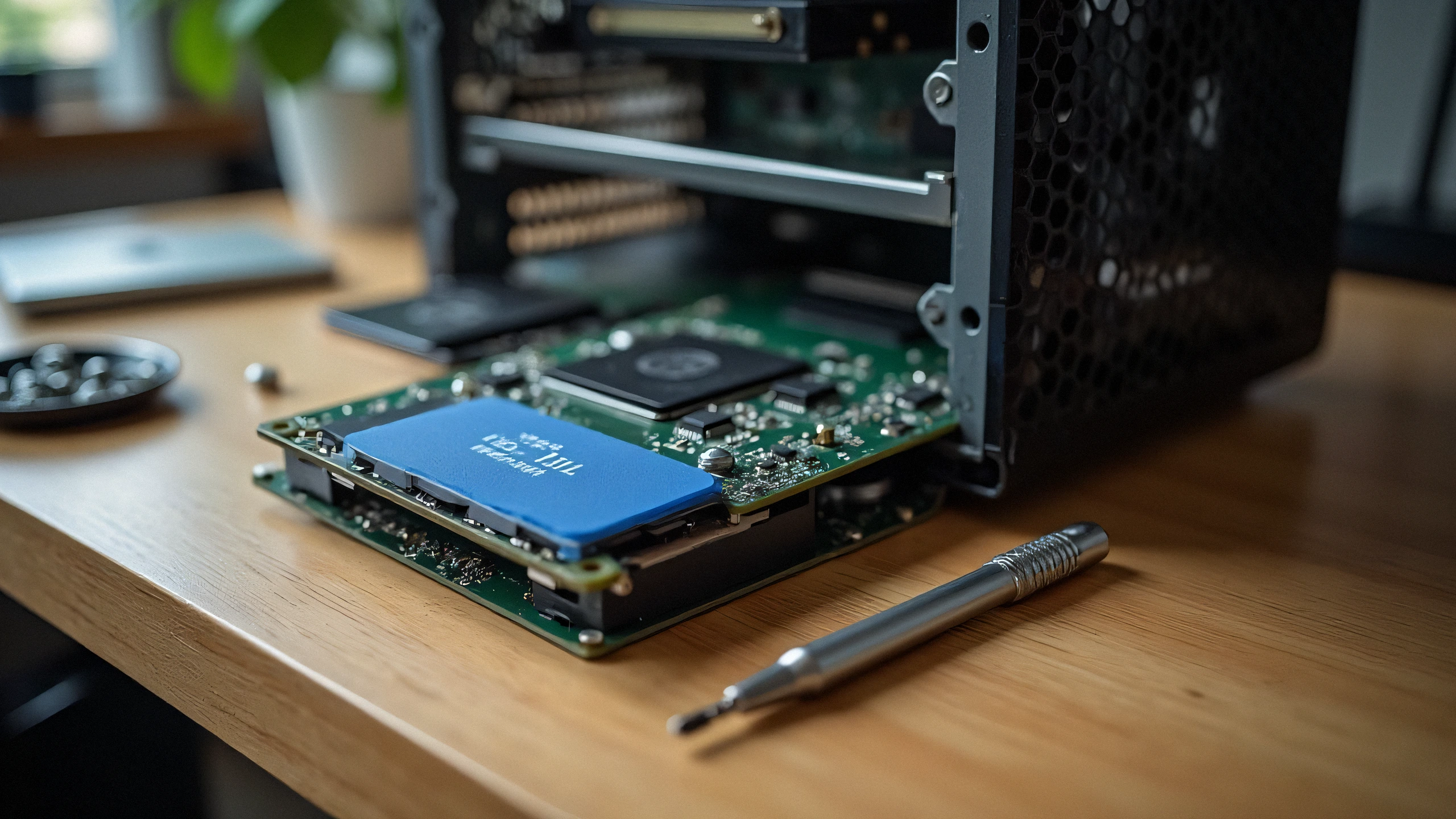
2K 초고해상도 하드웨어 진단 촬영
⚠️

장애 증상 및 원인 분석 공지

Installed a brand new high-speed NVMe PCIe Gen 4 SSD into your 11th-14th Gen Intel laptop, but the Windows installation screen says "We could not find any drives"? The issue is rarely a hardware defect; it is Intel Volume Management Device (VMD) requiring the IRST storage driver.

Modern laptops with Intel Tiger Lake, Alder Lake, Raptor Lake, and Meteor Lake processors utilize Intel VMD (Volume Management Device) to manage NVMe lanes directly from the CPU. Because standard Windows 10/11 installation media does not contain the latest Intel VMD controller driver, the storage drive appears invisible during OS installation.

1. Two Proven Fixes:

Option A: Load Driver During Windows Setup (Recommended)

  1. Download the Intel RST (VMD) Floppy/F6 driver from your laptop manufacturer (Dell, ASUS, Lenovo, HP).
  2. Extract the driver folder onto your Windows USB installation drive.
  3. On the drive selection screen, click 'Load driver' -> Browse to the VMD folder -> Select 'Intel RST VMD Controller 9A0B'. The SSD will appear instantly!

Option B: Disable VMD in BIOS (Alternative)

  1. Enter BIOS (F2 or Del during startup).
  2. Navigate to 'Advanced' or 'System Configuration'.
  3. Find 'Intel VMD Controller' or 'VMD Technology' and toggle to [Disabled].
  4. Set SATA/NVMe Operation to [AHCI/NVMe]. Save and reboot.

2. Physical Checklist:

Ensure your M.2 SSD is seated fully into the M-key slot and secured with the retention screw without bending the PCB substrate.

✓ 엔지니어 최종 점검 체크리스트

100% 안전한 절차
1
전원 차단 및 잔류 전하 방전 작업 전 전원 플러그를 뽑고, 전원 버튼을 30초 동안 길게 눌러 내부 잔류 전하를 완전히 방전시키세요.
2
접점 및 광학 센서 세척 (99% IPA) 보풀 없는 극세사 천에 99% 이소프로필 알코올을 묻혀 골드 칩 핀과 코로나 와이어 가이드를 부드럽게 닦아주세요.
3
카운터 및 잠금 초기화 절차 새 부품을 장착한 후 조작 패널(Clear / OK / 기어 리셋)에서 드럼 카운터를 반드시 초기화하세요.
✓

관련 호환 부품

완전한 문제 해결을 위해 필요한 인증 부품
Samsung 990 PRO 2TB PCIe 4.0 NVMe M.2 SSD
OEM: MZ-V9P2T0B/AM 아마존에서 가격 확인 ↗
Kingston KC3000 1TB PCIe 4.0 NVMe SSD
OEM: SKC3000S/1024G 아마존에서 가격 확인 ↗
SanDisk Ultra 32GB USB 3.0 Flash Drive for Drivers
OEM: SDCZ48-032G-U46 아마존에서 가격 확인 ↗
← 모든 가이드로 돌아가기