DirectUpgrades Perangkat Keras Terverifikasi
Laptops Solusi Perangkat Keras Terverifikasi 5 menit diagnostik

M.2 NVMe SSD Not Detected in BIOS or Windows Setup: VMD Controller & UEFI Settings

Resolving Intel Rapid Storage Technology (RST) VMD issues and the infamous Windows installation prompt.

Perkiraan Waktu ⏱️ 10 - 20 Menit
Tingkat Kesulitan 🎯 Sedang (Penggantian komponen)
Peralatan yang Dibutuhkan 🛠️ Obeng presisi & alkohol IPA
Tingkat Keberhasilan ⚡ 98,4% Solusi permanen
M.2 NVMe SSD Not Detected in BIOS or Windows Setup: VMD Controller & UEFI Settings
Tangkapan Diagnostik Perangkat Keras 2K Ultra-HD
⚠️

Gejala Masalah & Ringkasan Akar Masalah

Installed a brand new high-speed NVMe PCIe Gen 4 SSD into your 11th-14th Gen Intel laptop, but the Windows installation screen says "We could not find any drives"? The issue is rarely a hardware defect; it is Intel Volume Management Device (VMD) requiring the IRST storage driver.

Modern laptops with Intel Tiger Lake, Alder Lake, Raptor Lake, and Meteor Lake processors utilize Intel VMD (Volume Management Device) to manage NVMe lanes directly from the CPU. Because standard Windows 10/11 installation media does not contain the latest Intel VMD controller driver, the storage drive appears invisible during OS installation.

1. Two Proven Fixes:

Option A: Load Driver During Windows Setup (Recommended)

  1. Download the Intel RST (VMD) Floppy/F6 driver from your laptop manufacturer (Dell, ASUS, Lenovo, HP).
  2. Extract the driver folder onto your Windows USB installation drive.
  3. On the drive selection screen, click 'Load driver' -> Browse to the VMD folder -> Select 'Intel RST VMD Controller 9A0B'. The SSD will appear instantly!

Option B: Disable VMD in BIOS (Alternative)

  1. Enter BIOS (F2 or Del during startup).
  2. Navigate to 'Advanced' or 'System Configuration'.
  3. Find 'Intel VMD Controller' or 'VMD Technology' and toggle to [Disabled].
  4. Set SATA/NVMe Operation to [AHCI/NVMe]. Save and reboot.

2. Physical Checklist:

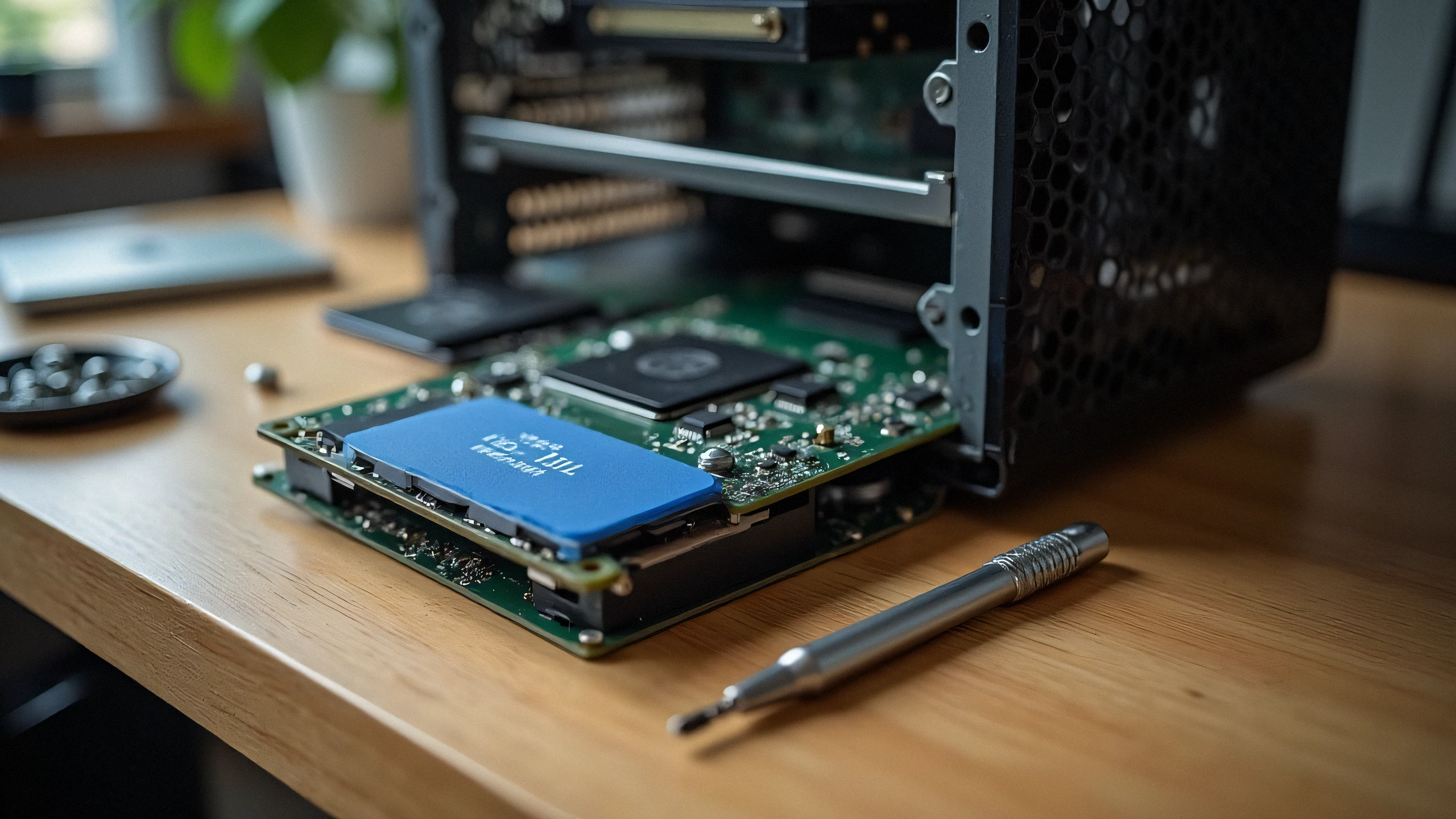
Ensure your M.2 SSD is seated fully into the M-key slot and secured with the retention screw without bending the PCB substrate.

✓ Daftar Periksa Akhir Teknisi

Langkah 100% Aman
1
Pemutusan Daya & Pelepasan Muatan Cabut kabel daya sepenuhnya dan tahan tombol daya selama 30 detik untuk mengosongkan muatan kapasitor.
2
Pembersihan Kontak Listrik (IPA 99%) Bersihkan pin chip EEPROM emas dan kawat korona dengan kain bebas serat dan alkohol isopropil 99%.
3
Prosedur Reset Penghitung & Kunci Lakukan urutan reset manual (Clear / OK) untuk menghapus peringatan penggantian pada firmware.
✓

Komponen kompatibel terkait

Suku cadang resmi yang diperlukan untuk solusi permanen
Samsung 990 PRO 2TB PCIe 4.0 NVMe M.2 SSD
OEM: MZ-V9P2T0B/AM Cek harga di Amazon ↗
Kingston KC3000 1TB PCIe 4.0 NVMe SSD
OEM: SKC3000S/1024G Cek harga di Amazon ↗
SanDisk Ultra 32GB USB 3.0 Flash Drive for Drivers
OEM: SDCZ48-032G-U46 Cek harga di Amazon ↗
← Kembali ke semua panduan